








Your school login
Encrypted on your phone, never sent to our servers.
The study app created by two students
Your homework becomes a plan of action,
not a list of problems.
Lessons, homework, averages: all in one place. Then five minutes of useful work. Every day you work counts.
On the App Store and Google Play, the app is still called LUCID until 5 January.
iPhone, iPad and Android · The app is in French for now
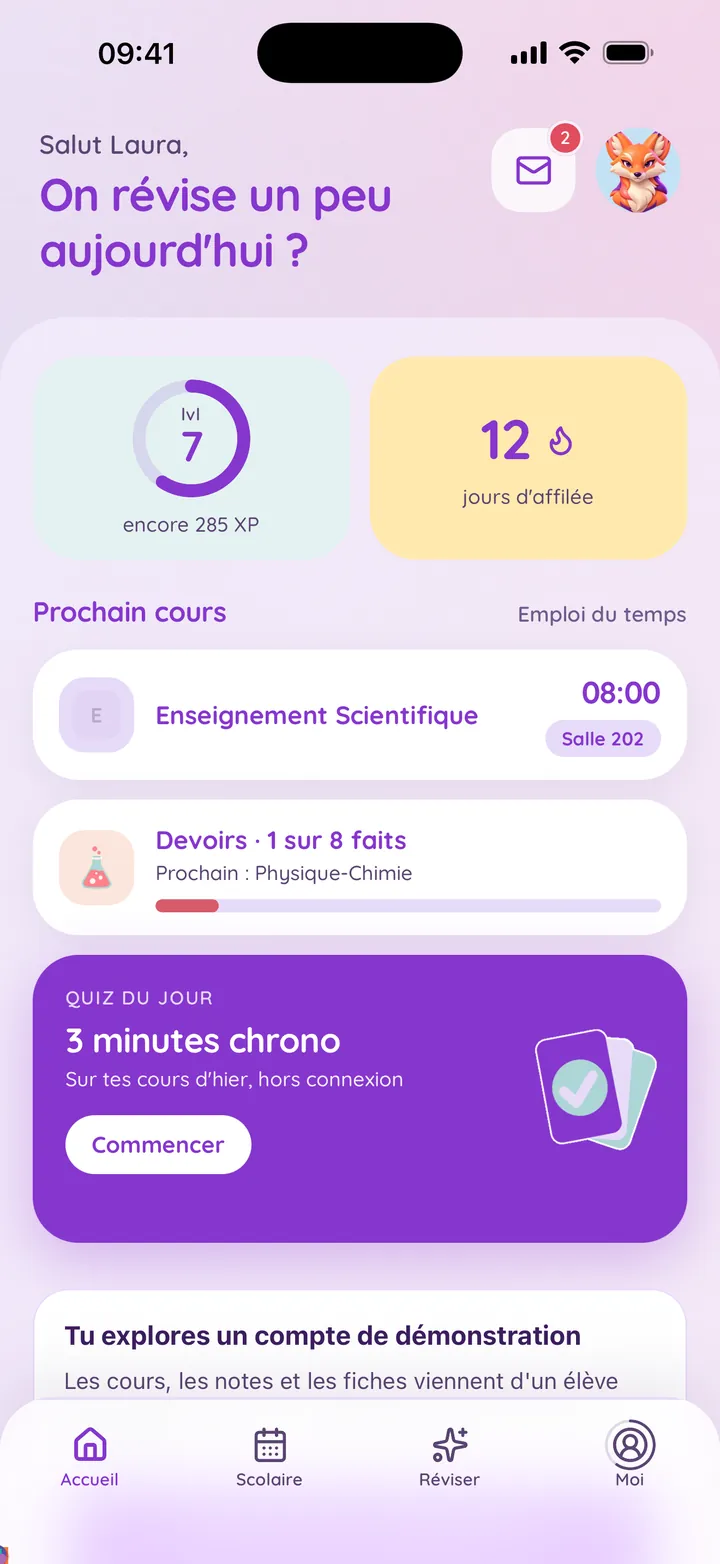
Lykeo 2.5.0 Your year, at your pace.
A useful step, at the right time.
Before school · A goal, not a mountain.
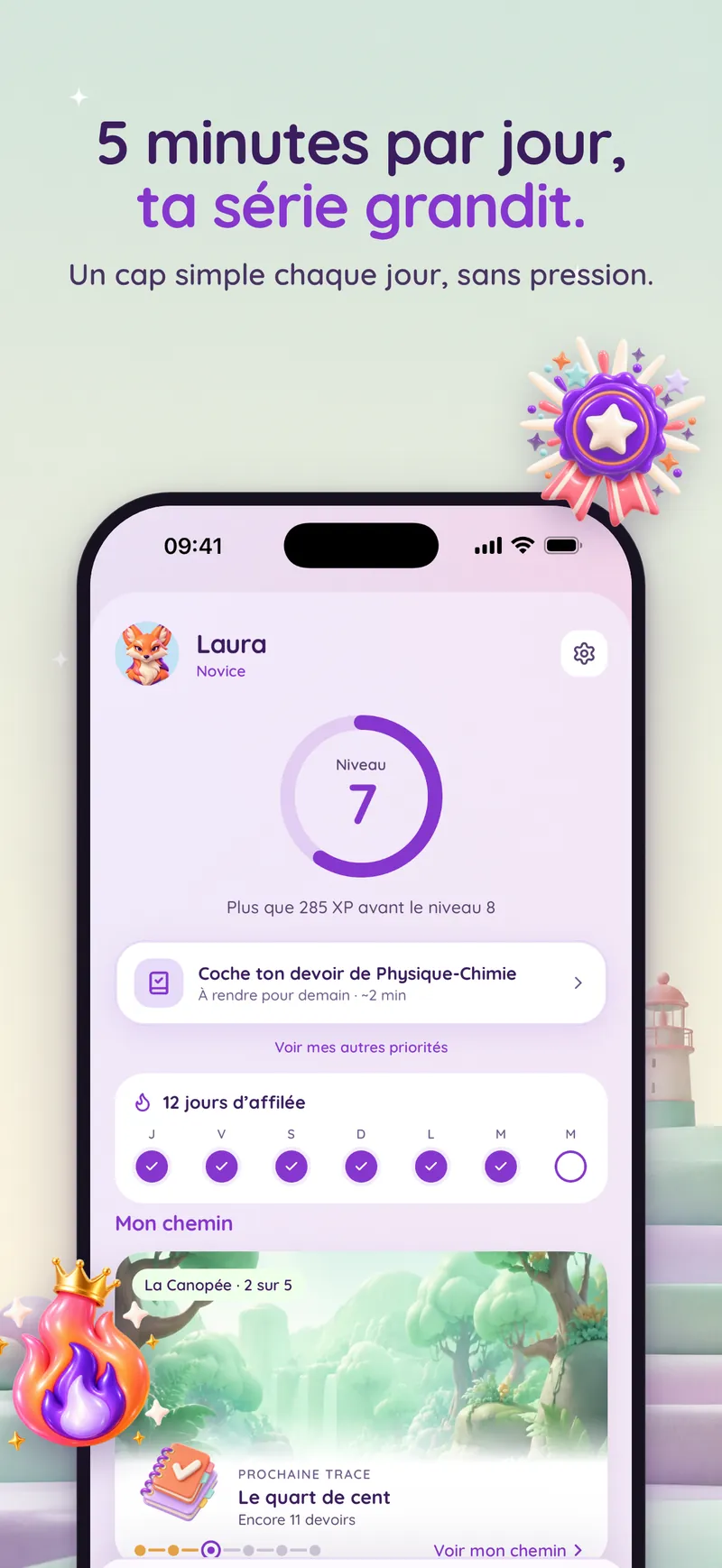
Every step earns you XP.
Your timetable, your homework and your averages. One place to find your way.
Your timetable in the School tab. When a lesson moves, a notification tells you.
Also: WebUntis, Google Classroom, Moodle, Canvas, iCal calendars (ADE, Hyperplanning), universities (AppScho, Campass), and your canteen balance.
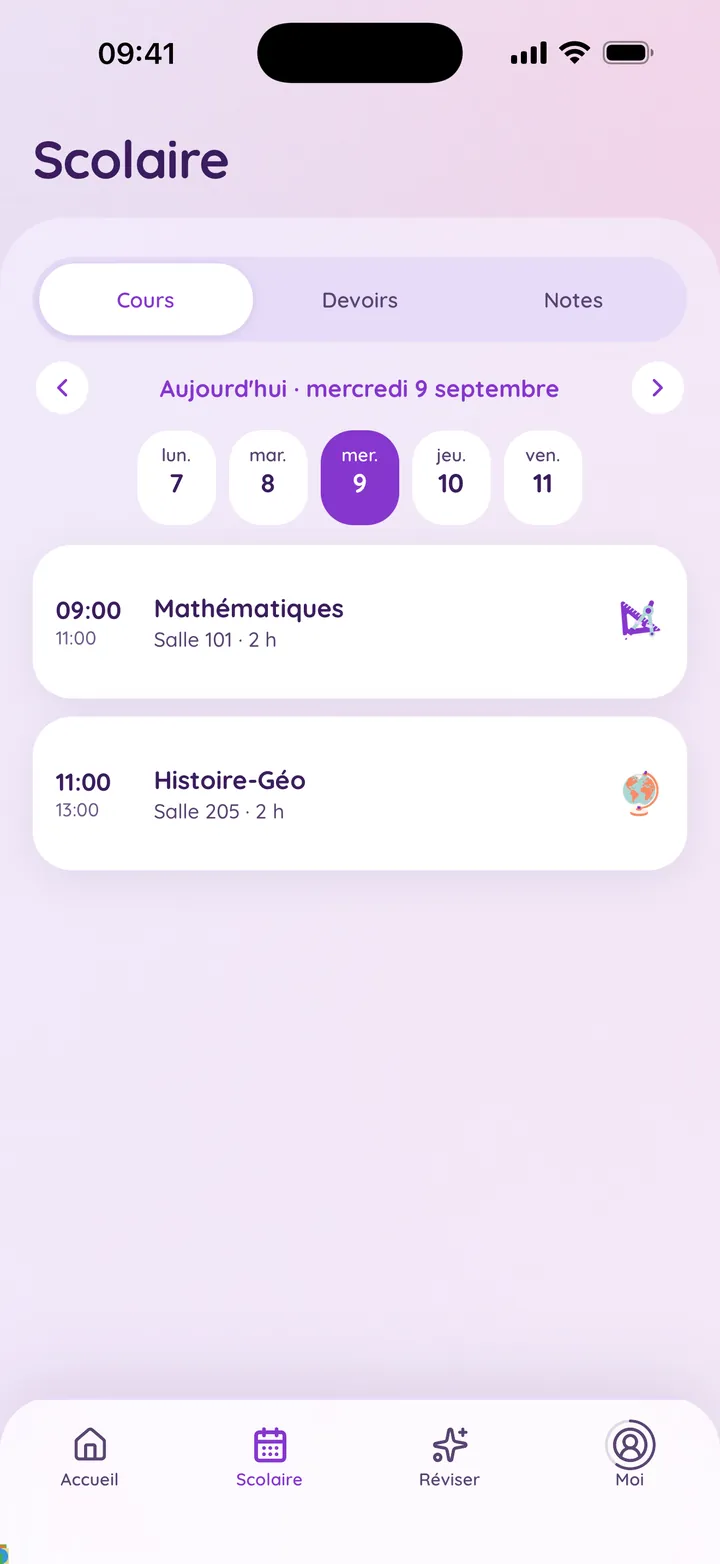
School · Lessons
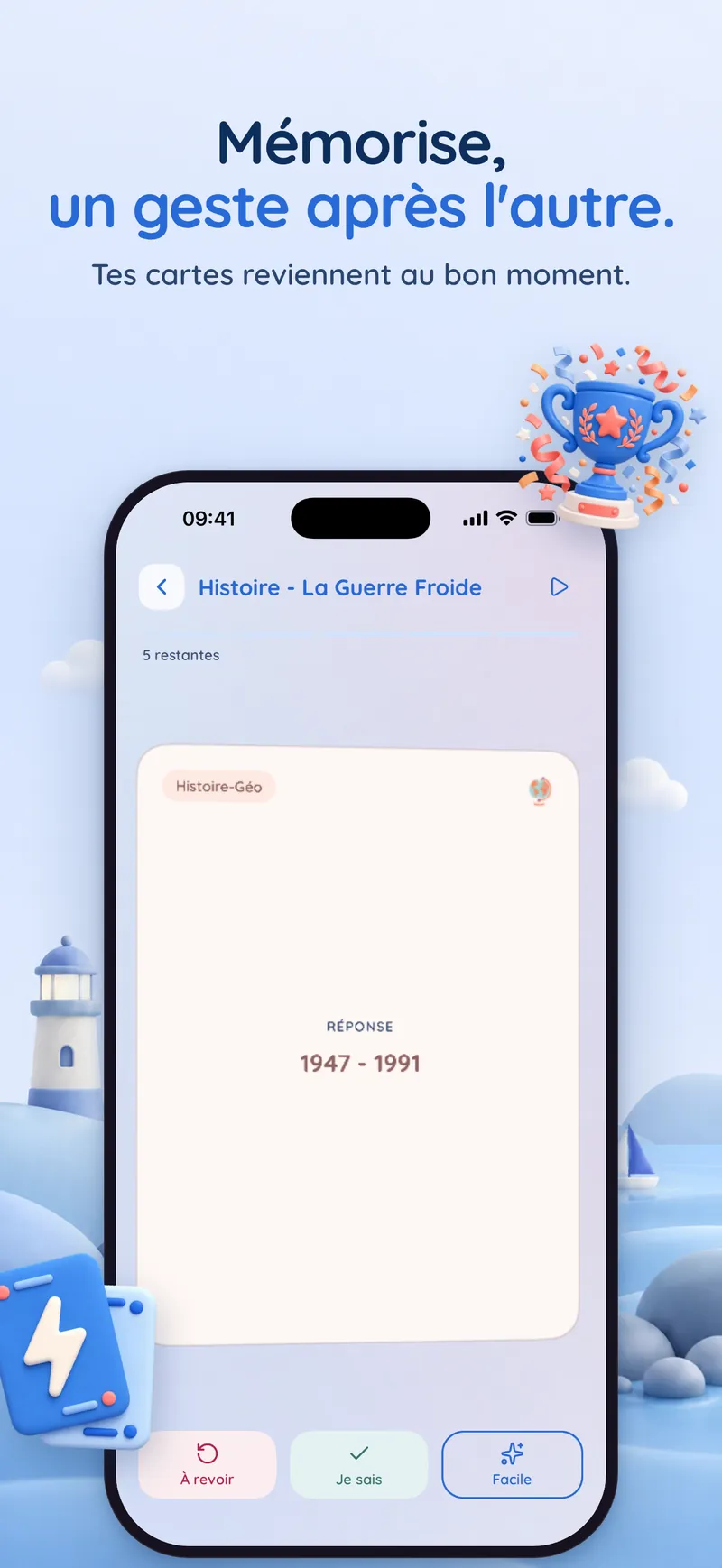
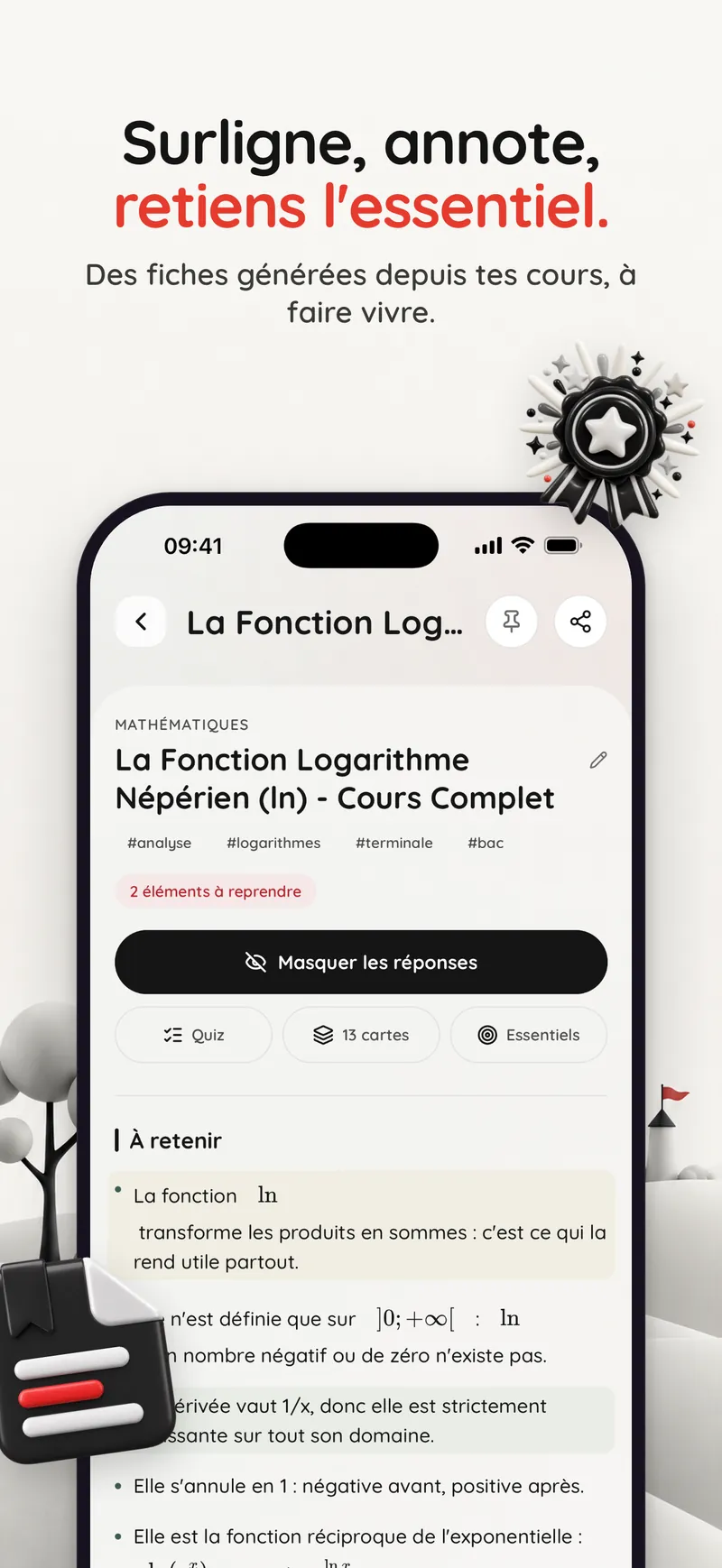
One creation sheet for all your revision.
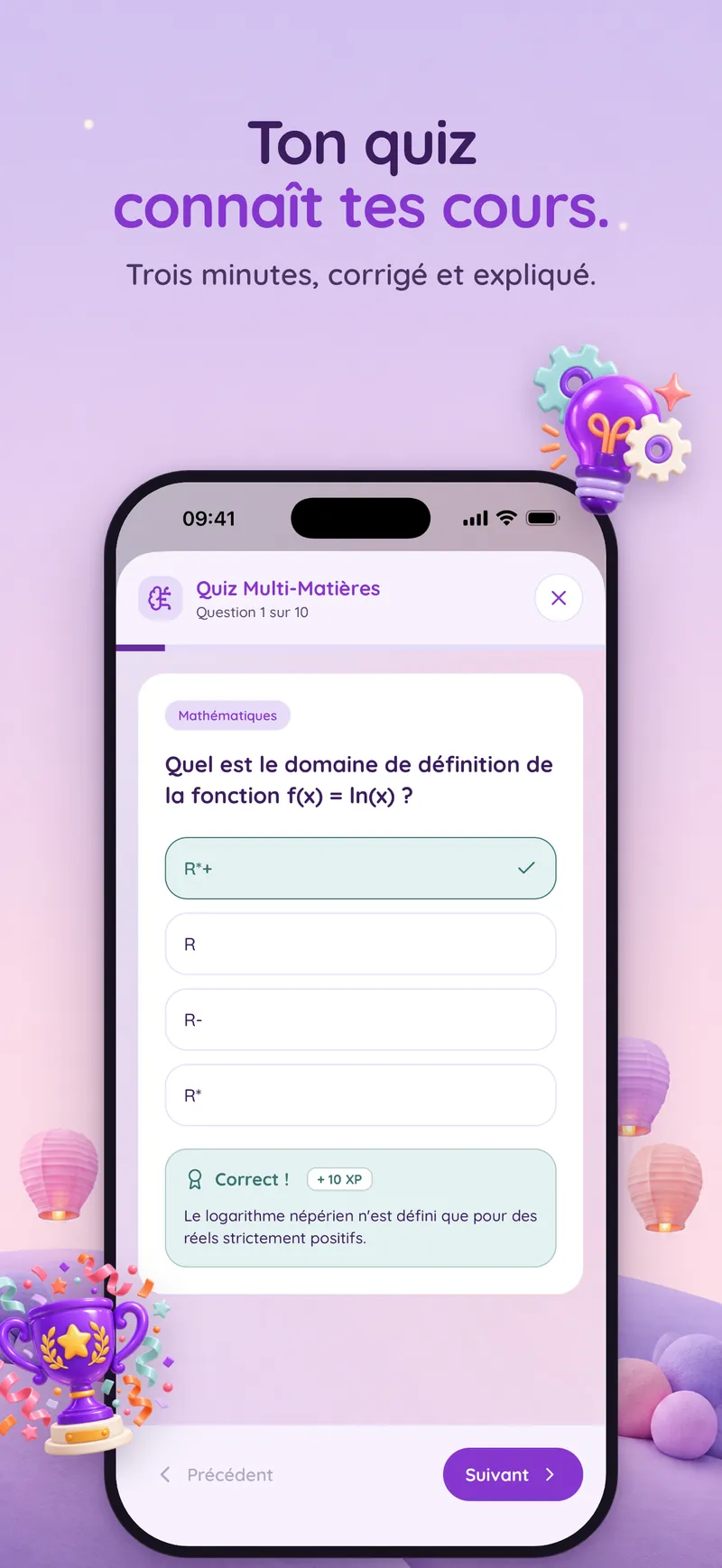
Test myself in 3 min
The quiz of the day covers yesterday’s lessons. One answer, one correction, one explanation.
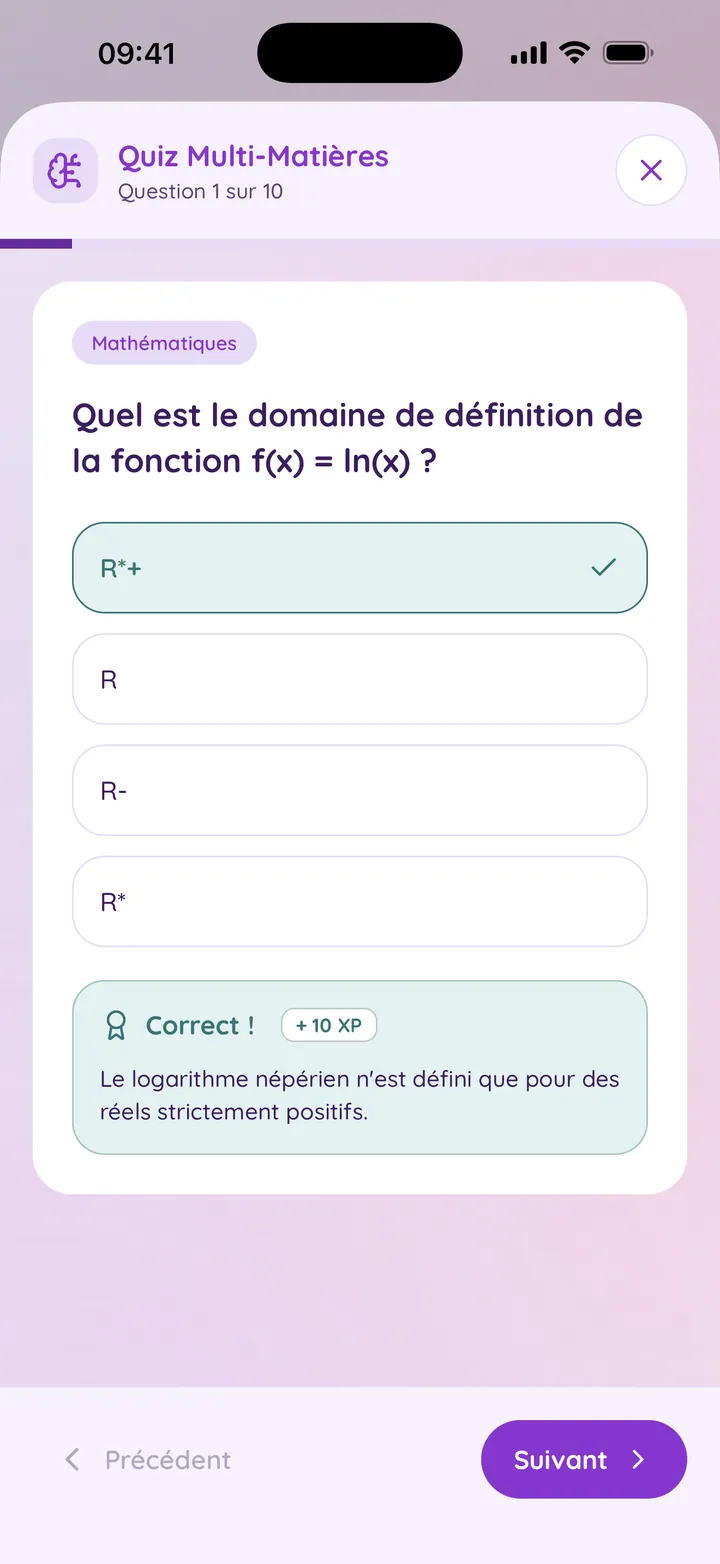
Content generated by an AI: it can be wrong. Check against your lesson.
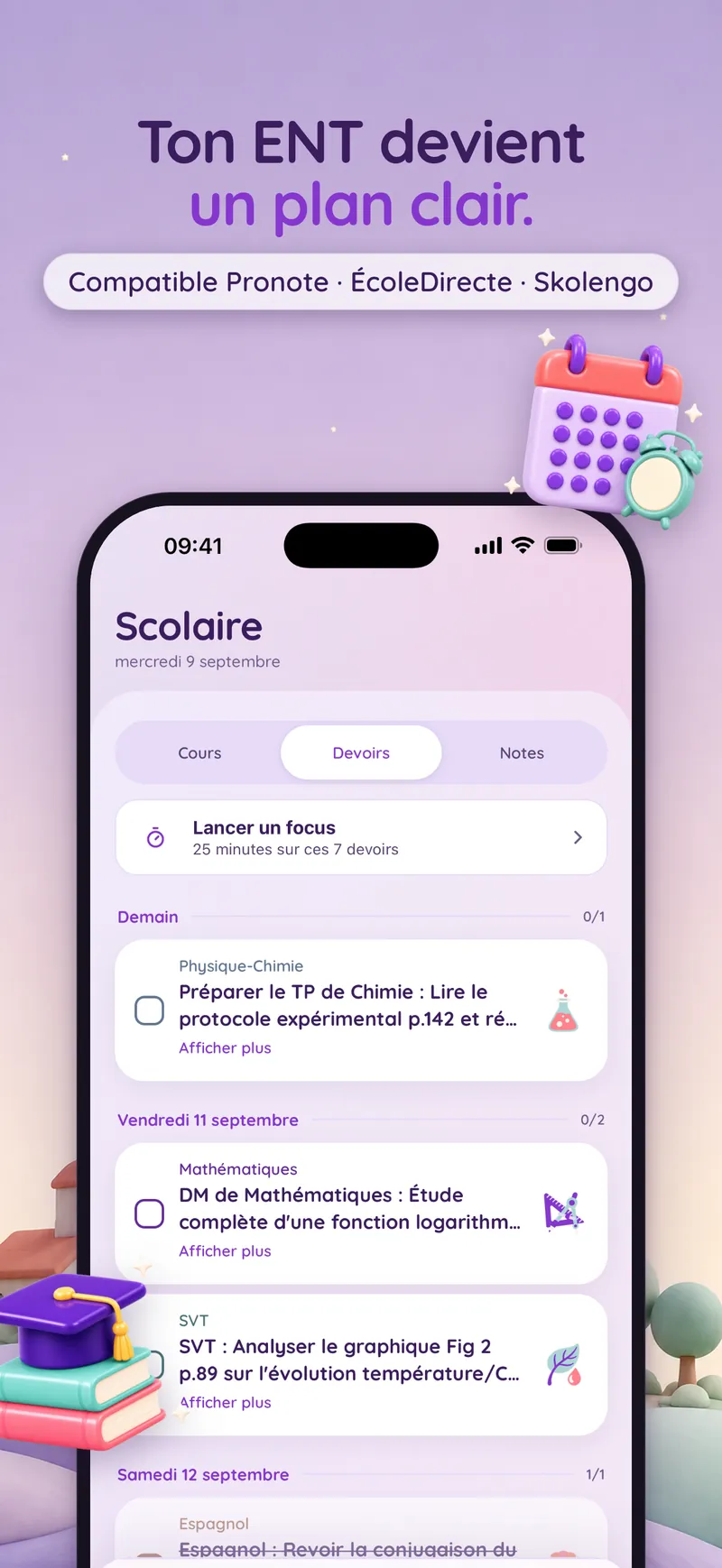
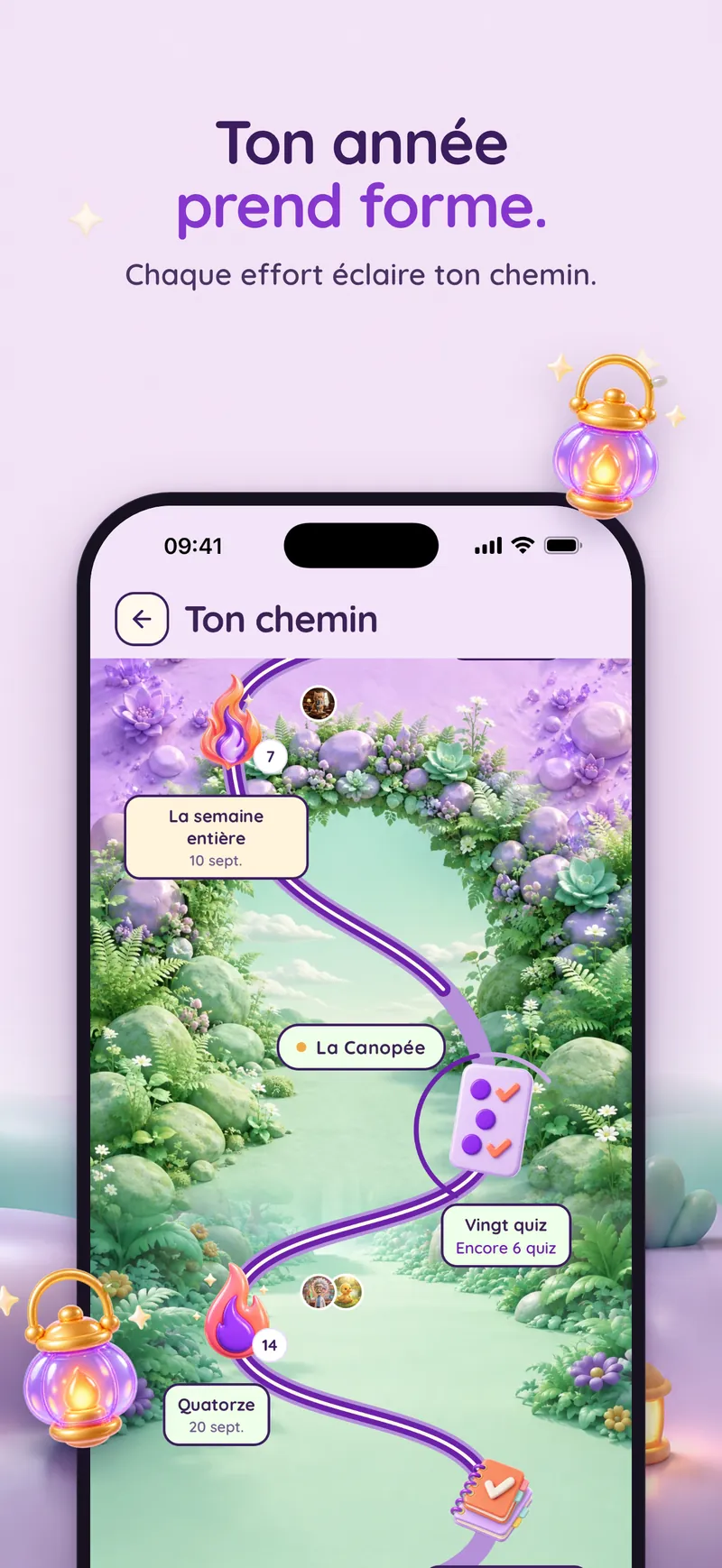
Swipe to see more
Every validated day leaves a trace. Five landscapes cross your year. Nothing is locked, no deadline, no comparison.

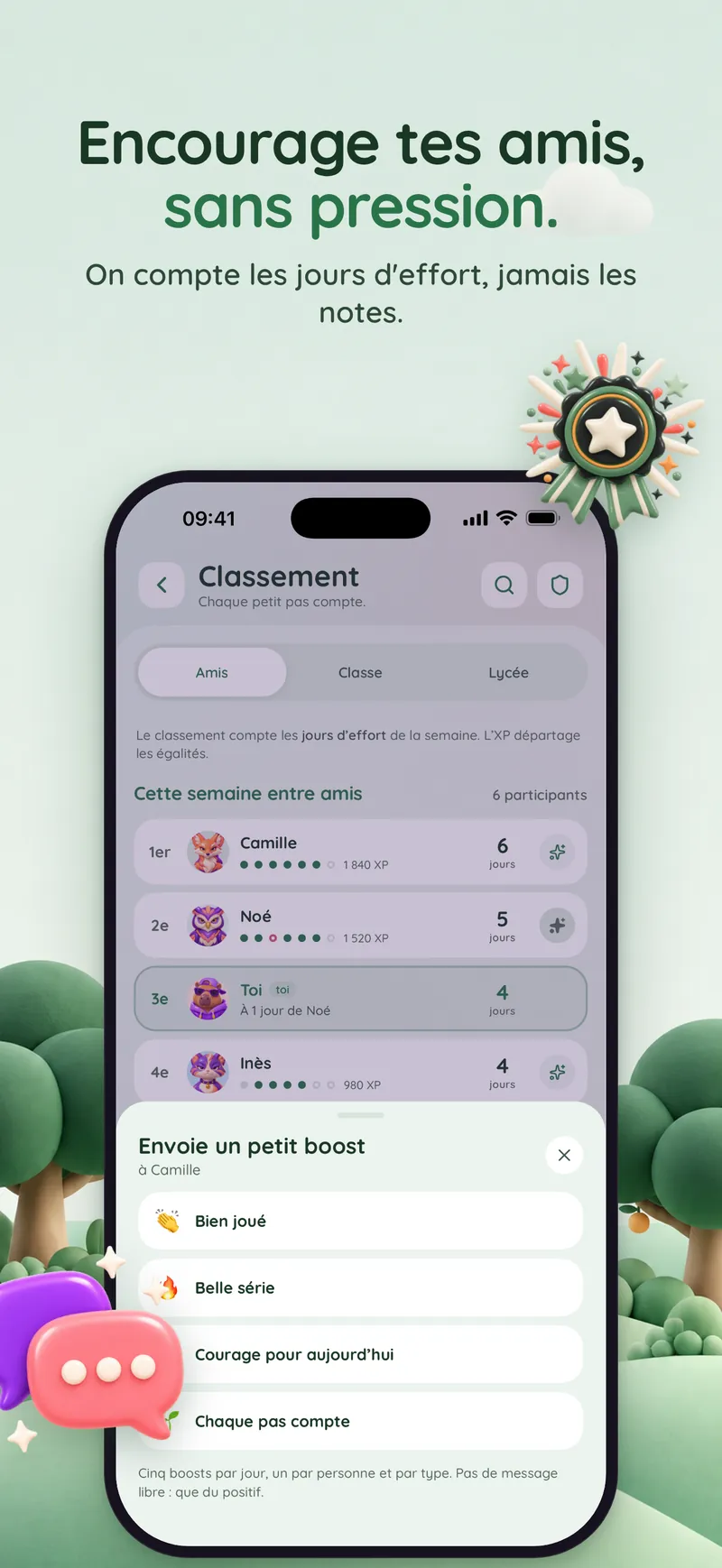
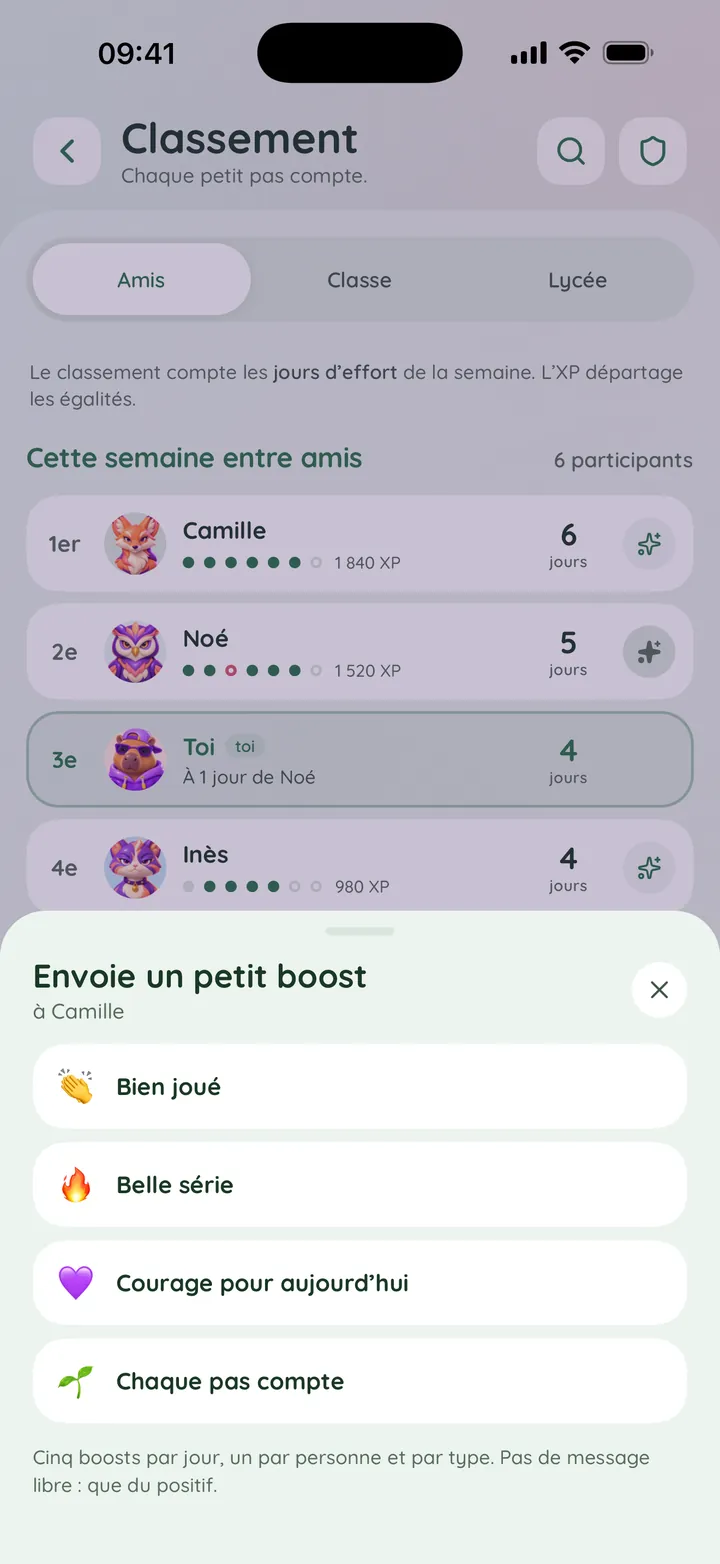
With friends, in your class or your school: the leaderboard counts the effort days of the week. It restarts on Monday, with no podium. XP breaks ties.
A collective challenge every week. No free-text messages.
The colours change. So does the app icon.
Choose your world
The Lykeo purple, lilac and soft.
Your first companion
3 to start with38 companions in all. The others are earned level after level, up to the 6 Legends. Profile ornaments and ambiences are earned with XP.
 Fox
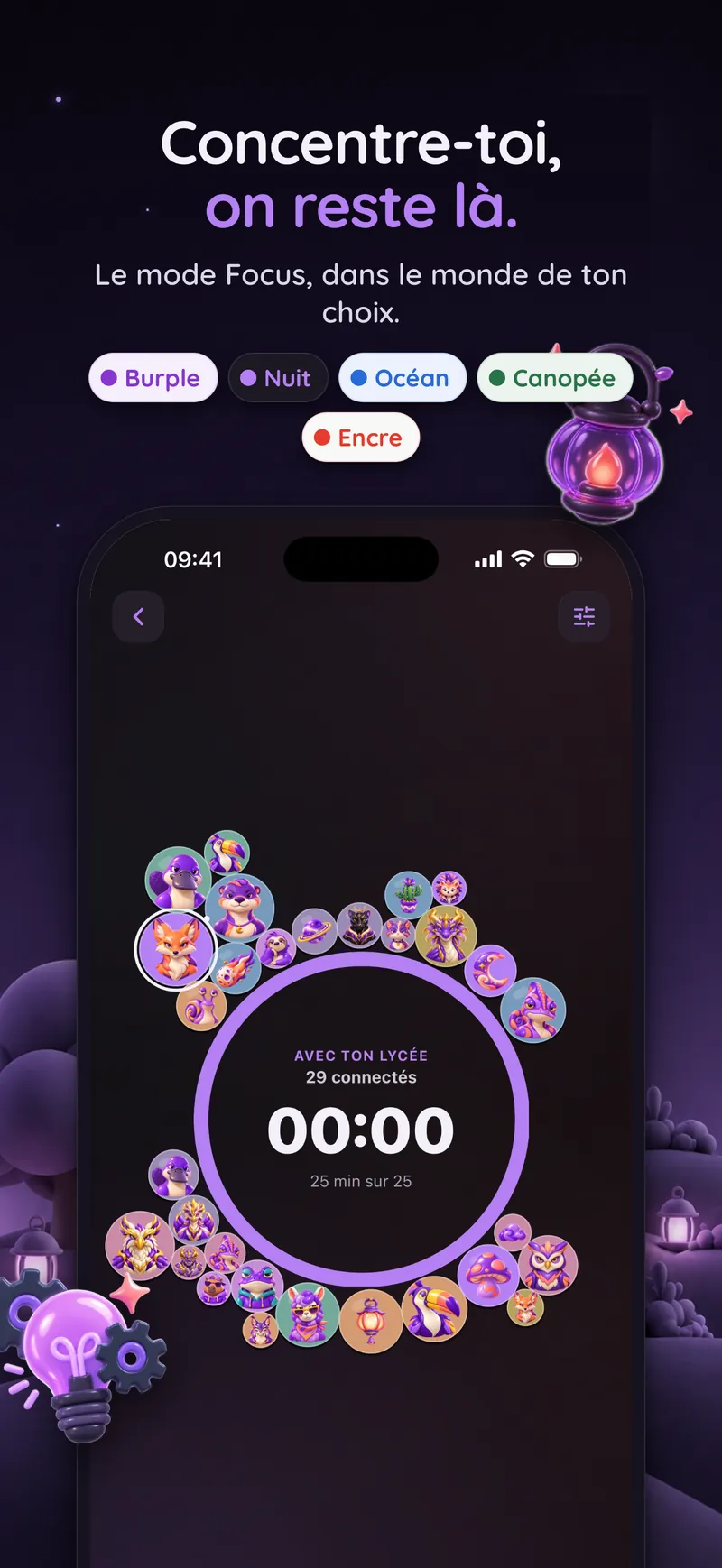
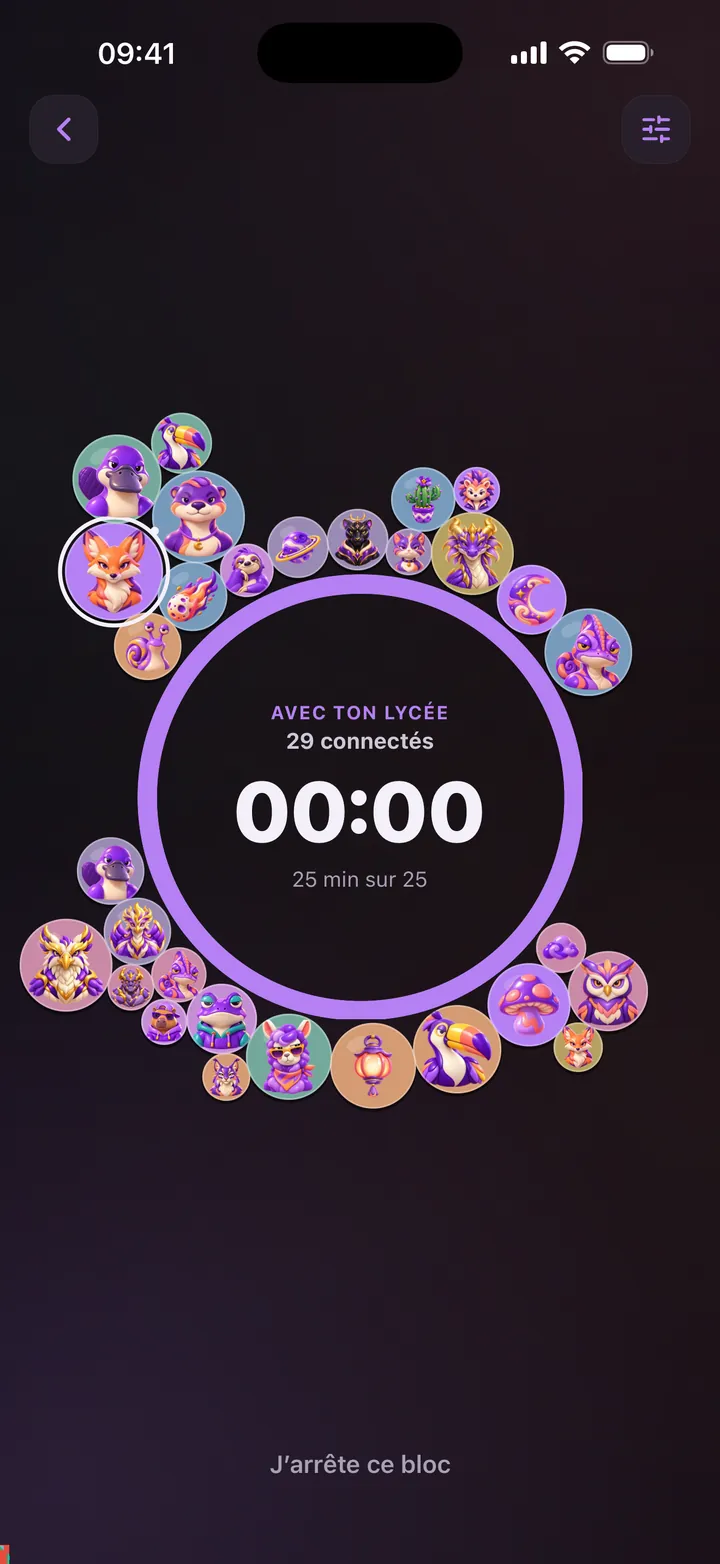
Time to concentrate. The bubbles of the students revising at the same time as you, right there.
On iPhone, Screen Time blocks the apps you choose. Lykeo does not know which ones.
Session completed: +60 XP for the effort.
Here is what happens with your data.
Read the privacy policy (in French)Encrypted on your phone, never sent to our servers.
Data hosted in the European Union (Ireland).
No advertising tracker or third-party analytics tool; pseudonymised audience measurement that you can switch off.
Account deletion from the app in two taps, with no retention offer.
Generation goes through our servers, which use AI providers, for example Gemini (Google) or Claude (Anthropic). Your school login details, though, never leave your phone.
For a quiz, a sheet or some help, the app sends our servers, hosted in the European Union, the lesson content your request needs. Our servers then use an AI provider, for example Gemini (Google) or Claude (Anthropic). The up-to-date list is in the privacy policy.
The provider receives the text of the lesson or of your request, never your name, your school or your login details. It may process it outside the European Union, under standard contractual clauses.
One draws and codes what you see, one runs the AI behind it. Lucas and Clément started Lykeo at Lycée Henri Matisse, in Vence.
Meet the teamIn the press: France 3, franceinfo, BFM Côte d’Azur.
The steps of 2026
March 2026
May 2026
September 2026
Your question is not here? Write to us, we read everything.
Yes. Lykeo is free, with no ads and no in-app purchases. We sell no data.
Lykeo connects to Pronote and ÉcoleDirecte, and also to WebUntis, Google Classroom, Moodle, Canvas and iCal calendars. You sign in with your usual login, from the app.
No school account at hand? The discovery account lets you try everything with the data of an imaginary student.
It stays encrypted on your phone and is never sent to our servers. Your phone opens your school space, not us.
Generation goes through our servers, which use AI providers, for example Gemini (Google) or Claude (Anthropic). Your school login details, though, never leave your phone.
The provider receives the text of the lesson or of your request, without your name or your school, and may process it outside the European Union, under standard contractual clauses. The up-to-date list is in the privacy policy. The AI can be wrong: the app says so on every piece of content, and the source of the questions is always shown.
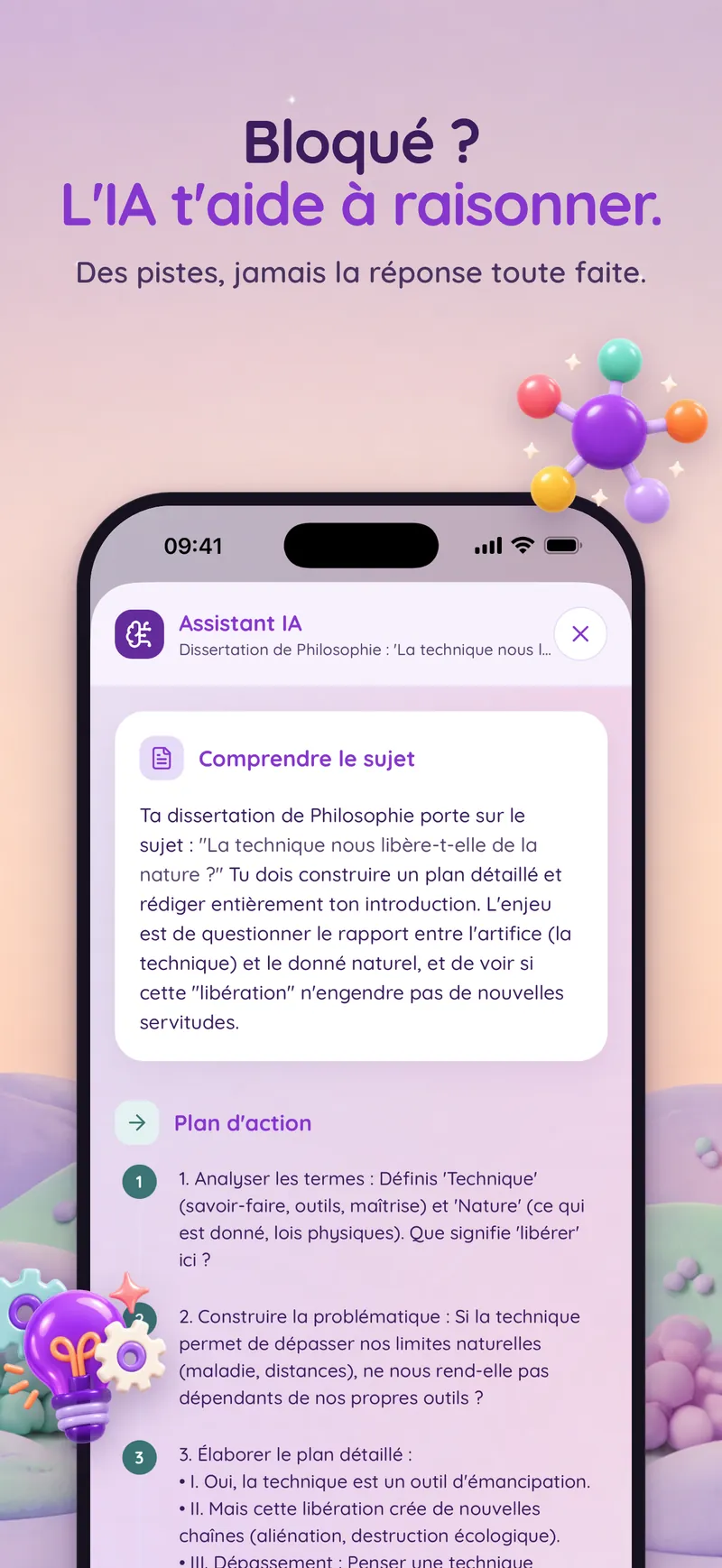
No, on purpose. AI Help gives you the next lead and the method, never the ready-made answer. Quizzes, flash cards and sheets help you remember your lesson.
Yes. Lykeo is on Google Play, free, just like on the App Store.
Lykeo is designed for upper secondary school, up to the French baccalauréat, and also works from the first year of lower secondary.
Yes. The app has a real tablet layout, Split View and Stage Manager included.
In the app: Settings, then Account, then Delete my account. Two taps, no retention offer. You can also ask for deletion by email.
Not yet. For now the app is in French and built first for schools in France. Other languages and countries are on the way.
Your year, at your pace. Free, no ads.
On the App Store, free. iOS 15.1 or later.
Download for freeApp Store · iPhone and iPad
Scan this code with your phone: it takes you to the right place, App Store or Android. Or open lykeo.app/app
On the App Store and Google Play, the app is still called LUCID until 5 January.
Good to know: the app is in French for now, and connects first to school systems used in France. Other languages are on the way.